
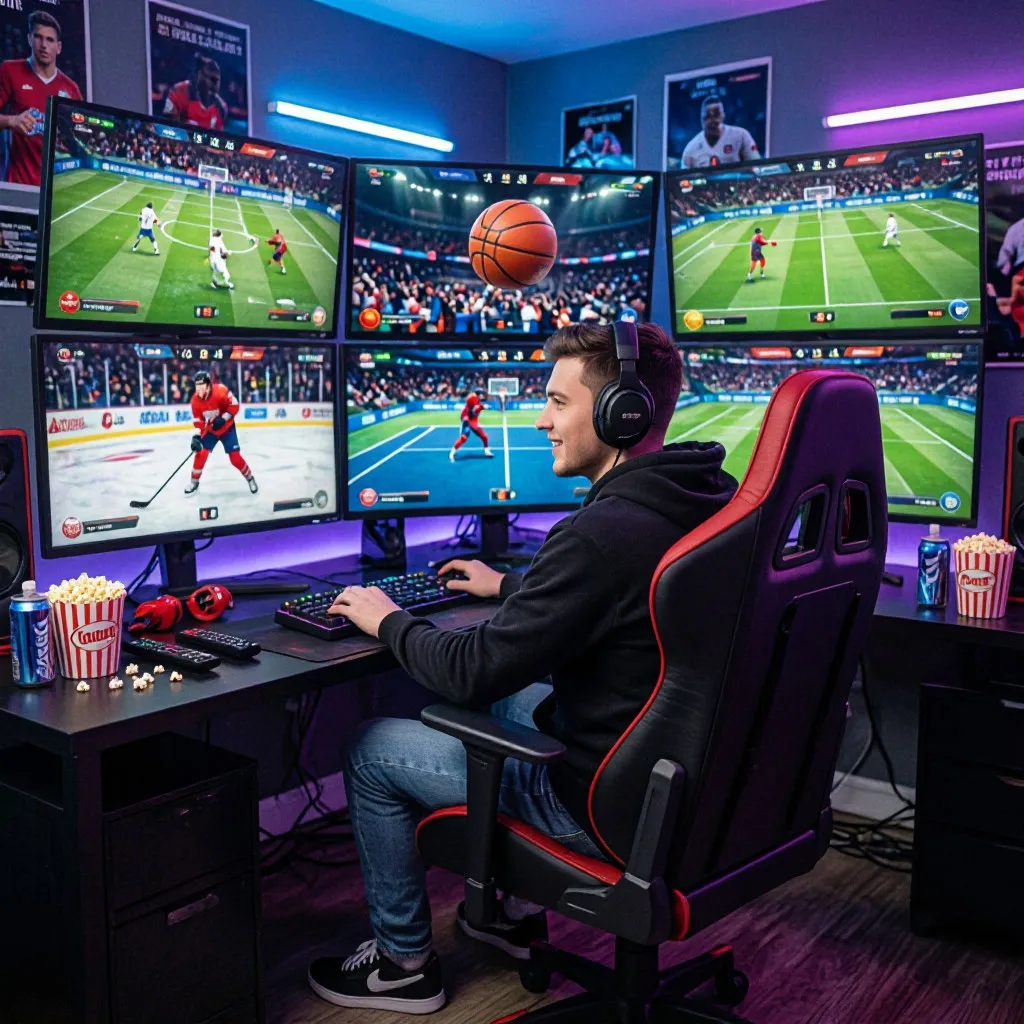
For the dedicated sports enthusiast, there is nothing quite like a “Super Sunday” where the NFL, Premier League, and a Formula 1 race all overlap. In the past, you were forced to choose one game or constantly flip channels, inevitably missing a game-winning goal or a crucial touchdown. However, the digital age has brought us the “multi-view” experience. Because VIPLeague is built on a lightweight, browser-based architecture, it is uniquely suited for fans who want to run several streams at once. Whether you are managing a fantasy team or just can’t get enough of the action, setting up a personal “command center” is now easier than ever.
Multi-viewing success depends heavily on your hardware and internet bandwidth. Before opening four HD streams, it is vital to know what your device can handle to avoid system crashes or severe lag that could ruin the climax of the game.
| Device Category | Max Recommended Streams | Connection Type | Performance Level |
|---|---|---|---|
| Desktop PC | 4 – 6 Streams | Wired Ethernet | Elite / No Lag |
| High-End Laptop | 3 – 4 Streams | Wi-Fi 6 / Ethernet | Very High |
| Tablet / iPad | 2 Streams | 5GHz Wi-Fi | High / Portable |
| Smartphone | 1 – 2 Streams | 5G / Wi-Fi | Moderate |
| Smart TV | 1 Stream | Wired / Wi-Fi | Limited by Browser |
As seen above, a desktop PC with a wired Ethernet connection remains the gold standard for high-intensity viewing. While modern mobile devices are impressive, their processing power often limits the ability to maintain multiple high-bitrate video decoders simultaneously, which can lead to overheating or the browser closing unexpectedly.
Tips for a Seamless Multi-Window Setup
Setting up a multi-viewing station requires a bit more strategy than just clicking links. To ensure your browser doesn’t freeze under the weight of several live feeds, you need to manage your system resources intelligently. The goal is to keep the video smooth while maintaining enough “headroom” for your computer to handle the incoming data packets from different servers.
To ensure your browser runs at peak efficiency while juggling several live broadcasts on VIPLeague, follow these expert configuration tips:
- Use Window Snapping: On Windows or macOS, use the “Snap” feature to tile your browser windows into a grid (2×2 or side-by-side).
- Mute Secondary Streams: Bandwidth isn’t the only concern—sensory overload is real. Mute the audio on all but your primary match to focus your attention.
- Adjust Background Resolution: If you have four games open, set the three “secondary” games to 720p or 480p, and keep your main game at 1080p HD.
- Hardware Acceleration: Ensure “Hardware Acceleration” is enabled in your browser settings to let your graphics card handle the heavy lifting.
- Use a Dedicated Browser: Consider opening your streams in a clean browser (like a fresh install of Brave or Firefox) with no other tabs open to maximize RAM availability.
Following these steps will dramatically reduce the strain on your CPU and GPU. The most important tip for multi-viewers is managing the audio—trying to listen to three different commentaries at once is impossible, so focus your primary sound on the main event while keeping a visual eye on the scores of the others.
Optimizing Internet Bandwidth for Multiple Streams
Every additional stream you open increases the demand on your home network. If your download speed is inconsistent, you will notice that one stream might work perfectly while the others buffer or drop in quality. Understanding your bandwidth requirements is the final piece of the puzzle for a smooth multi-game Saturday night or NFL Sunday.
The number of streams you can reliably support is directly tied to your Mbps (megabits per second) download speed. We have broken down the requirements for different multi-view configurations below:
| Number of Streams | Quality per Stream | Total Required Speed | Stability Rating |
|---|---|---|---|
| 2 Streams | 1080p HD | 20 – 25 Mbps | Very Stable |
| 3 Streams | 720p / 1080p Mix | 40 – 50 Mbps | Stable |
| 4 Streams | 720p Standard | 60 – 80 Mbps | Requires Fiber |
| 6+ Streams | Adaptive SD/HD | 100+ Mbps | Professional Setup |
These calculations assume a stable fiber or high-speed cable connection. If you are using a 4G or 5G mobile hotspot, we recommend sticking to a maximum of two streams at 720p to ensure that the connection remains responsive enough for real-time betting or checking live stats on social media without the video freezing.
Conclusion
The ability to watch multiple sports matches simultaneously on VIPLeague changes the way we consume sports in 2026. You no longer have to live with the “fear of missing out” when two big games happen at the same time. By choosing the right hardware, optimizing your browser windows, and ensuring your bandwidth can handle the load, you can create a professional-grade broadcasting booth right in your living room. Never miss a goal, a knockout, or a buzzer-beater again—setup your multi-stream today and enjoy the ultimate fan experience.